
The rules
How it works
OcTOBer runs Oct 1 – Nov 1, 2026. Every clan member is on one of two teams, and everything you do earns points for your team. Whoever holds the bigger total when the month ends wins.
Kill counts
AutomaticEvery kill on a tracked boss earns points, and tougher, longer fights are worth more. Nothing to log: kill counts sync automatically from Wise Old Man, so keep your WOM profile updated.
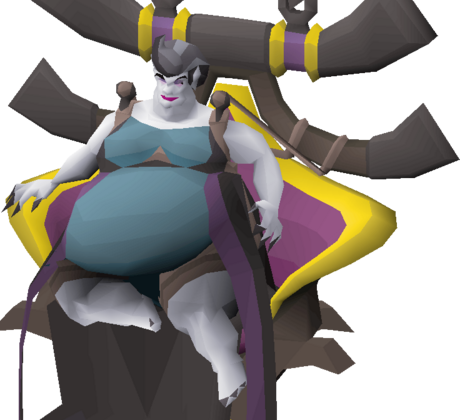 Theatre of Blood5per kill
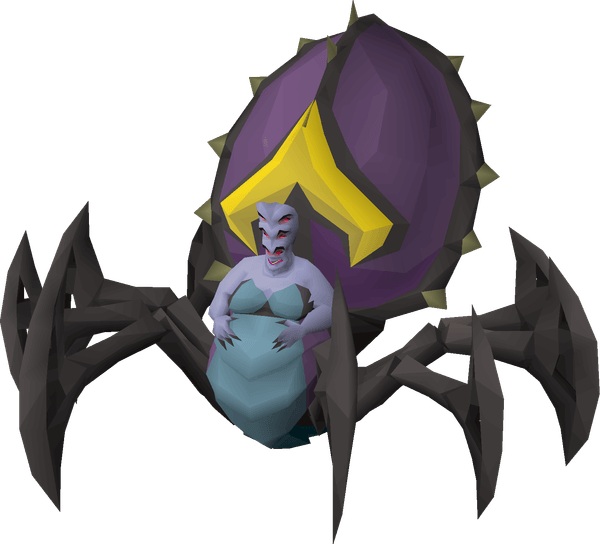 Theatre of Blood: Hard Mode6per kill
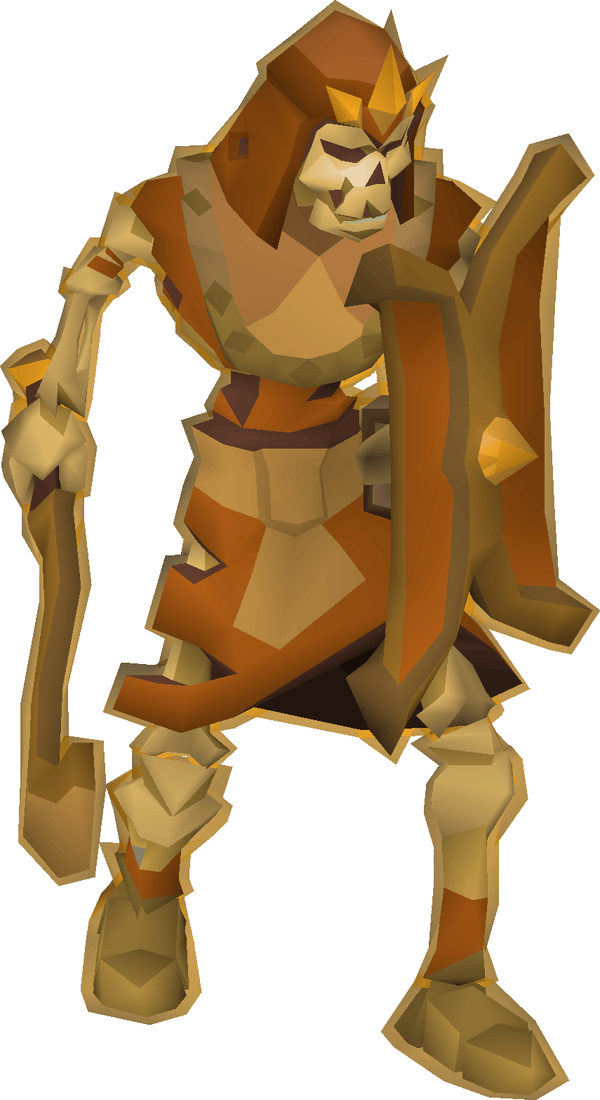 Vet'ion2per kill
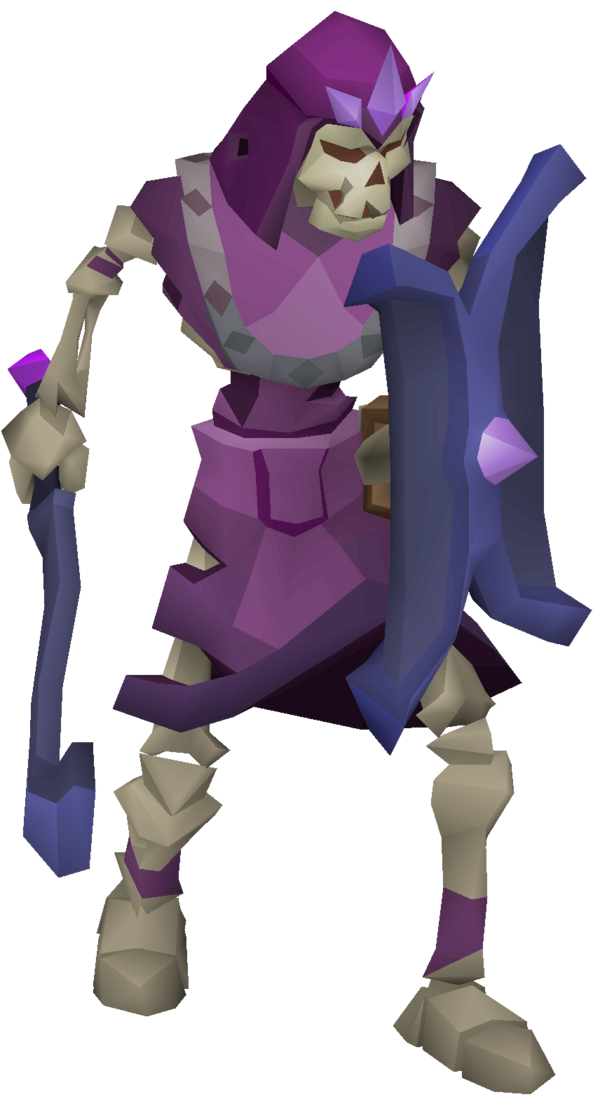 Calvar'ion1per kill
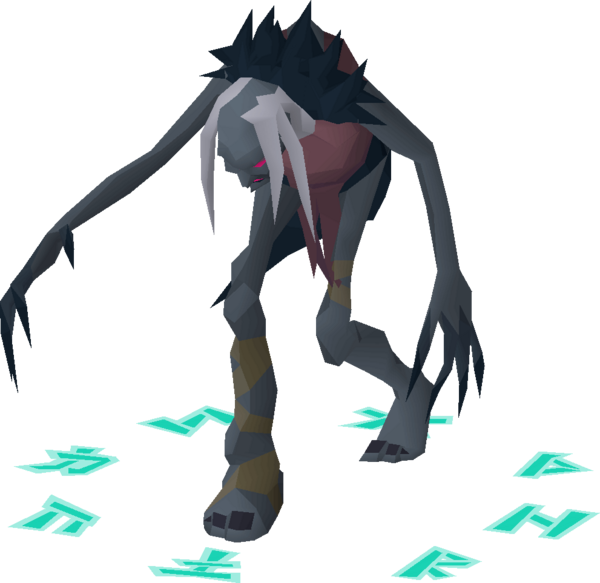 Nightmare2per kill
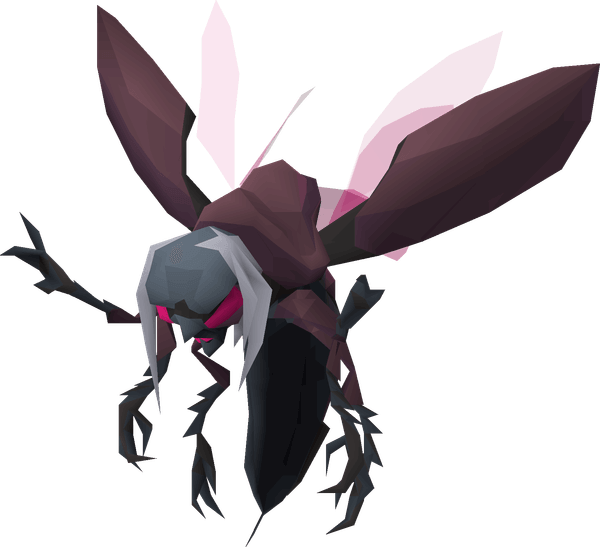 Phosani's Nightmare4per kill
 Vorkath2per kill
 Maggot King3per kill
 Barrows1per kill
Drops
Send proofGot a good drop? Send it on the submit page with your proof and your captain will review it. Points depend on how rare it is.
Clan nights
Scheduled PvM nights are on the scoreboard calendar. Show up and every attendee earns their team points.
100points for each person who attends
Flash challenges
Now and then a timed challenge drops onto the scoreboard, so watch for the banner. Be quick.
+50
First team to finish
+30
Every team that finishes in time
Boss challenge boards
A board for every boss
Each boss has a board of side objectives, from no-death clears to speed runs. When your team pulls one off, submit it with your proof. Once your captain approves it, the card is claimed and the points are added. Some cards are first-come, first-served: once one team takes it, it is locked. Shared cards can be claimed by both teams.
See the boardsSubmitting and proof
Keeps it fairAnyone can send in a drop or a boss challenge from the submit page. To keep it fair, a claim only counts if it was tracked when it happened.
Submit
Pick your name, say what you got or completed and add your proof.
Review
Your captain checks the proof and approves or turns it down.
Scored
Approved claims add their points and show up in the score log.
Dink post in Discord
Dink posted it to the drops and achievements channel with its automatic screenshot. Submit the link to that post.
Clan Events plugin
You had the Clan Events plugin on with your team's passphrase. A screenshot of it is fine, taken however you like.
Playing on mobile
Plugins do not run on mobile. Type your team's passphrase and today's date in the in-game chat and take your screenshot with it showing.
Screenshots from before the event, or with none of these behind them, are turned down, and one Discord post can only back one claim. Every approved score links to its proof in the score log.
Submit a claimThe tug of war
The bar on the scoreboardThe bar under the team pictures on the scoreboard splits every point earned between the two teams. Each team's colour fills in from its own side, so the more of the bar your colour covers, the further ahead you are. Points can be corrected by captains if something was logged in error, so the split can move both ways.
An example: the blue team holds 63% of all points
Your character
OptionalClaim your RSN and your character can appear as your picture on your profile, the leaderboard and your photos. It comes from RuneProfile, a RuneLite plugin that uploads your in-game model, and it is completely optional. Anyone without one just shows their initial.
- 1
Install the plugin
In RuneLite, open the Plugin Hub (at the bottom of the plugin list), search for RuneProfile and click Install. RuneLite shows a data warning because the plugin talks to the RuneProfile site. That is expected.
- 2
Log in to your account
Your RuneProfile is created for you the first time you log in with the plugin installed. There is nothing to sign up for.
- 3
Upload your character
Click the RuneProfile icon in the RuneLite sidebar, open the Profile tab and press Update Player Model. Do this again whenever you change gear.
- 4
Come back here
Your character shows up on your profile, the leaderboard and your photos within a couple of minutes. The name on our roster has to match your in-game name.
This is optional and only changes your picture. Your model is shared publicly on RuneProfile. Read the full RuneProfile guide